Photo of body
Supports JPG, PNG, WebP formats, max 10MB
Photo of face
Supports JPG, PNG, WebP formats, max 10MB
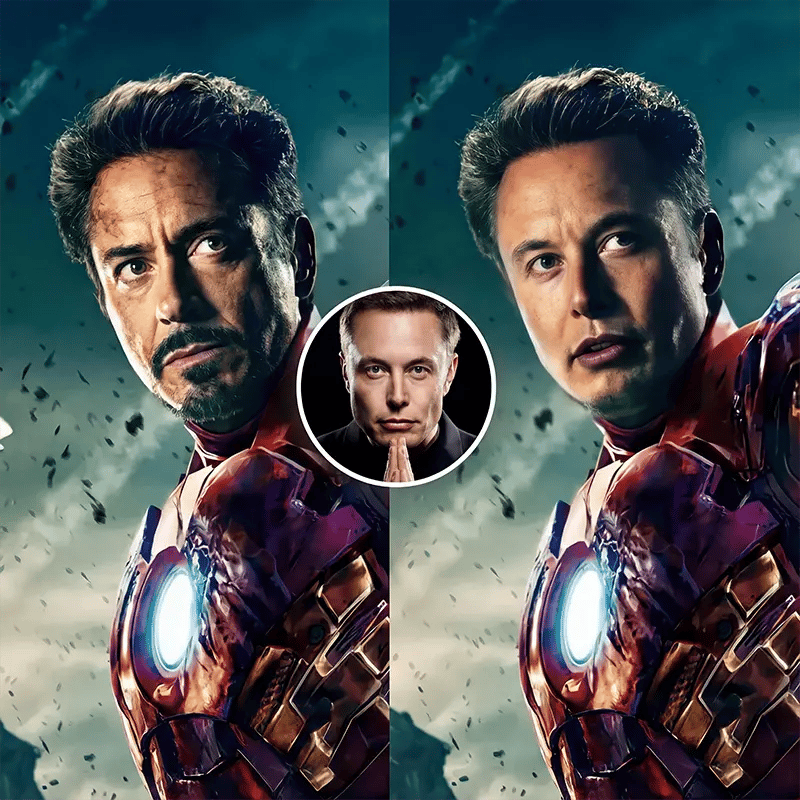
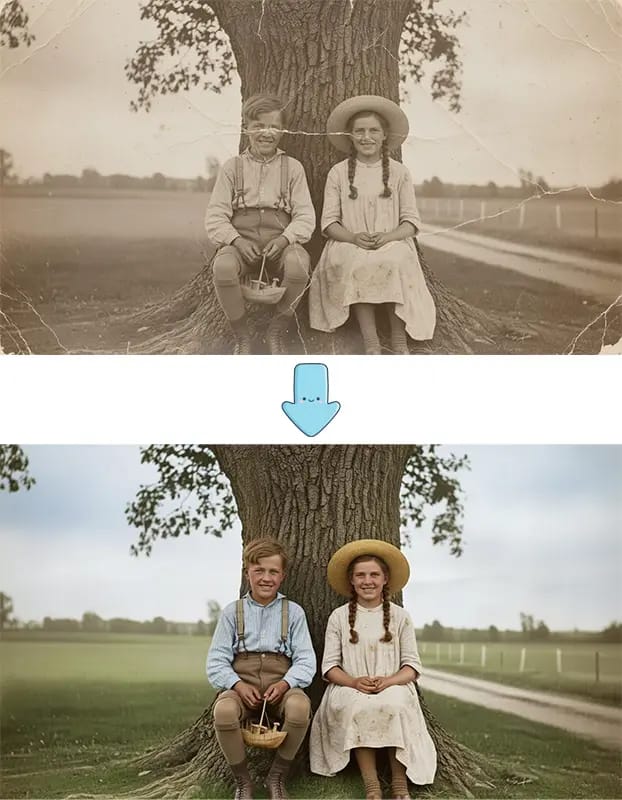
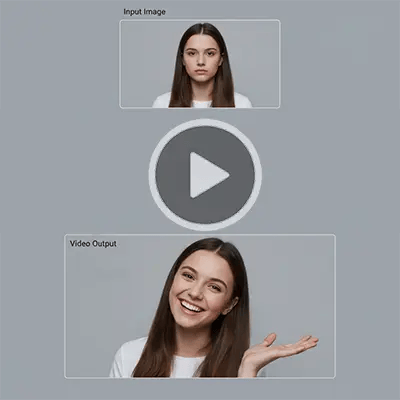
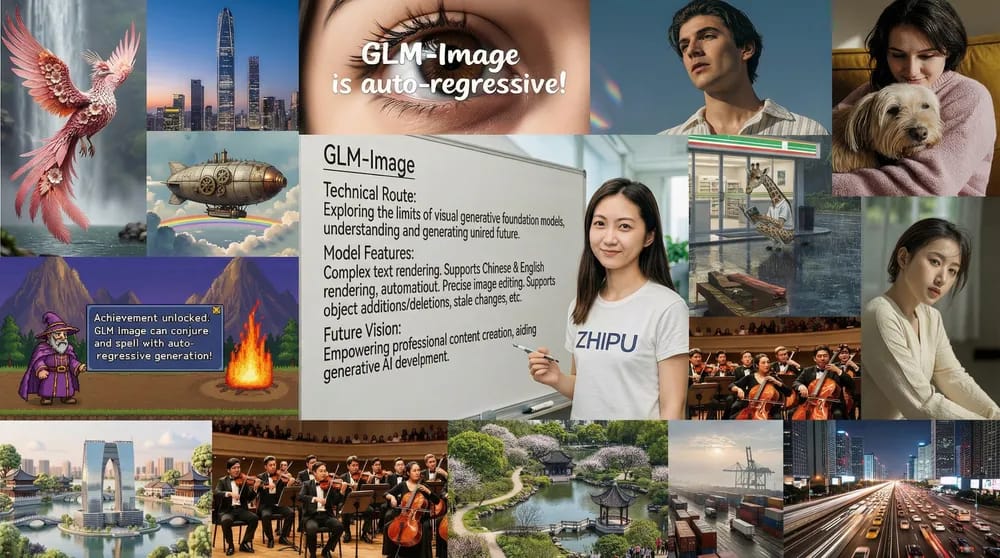
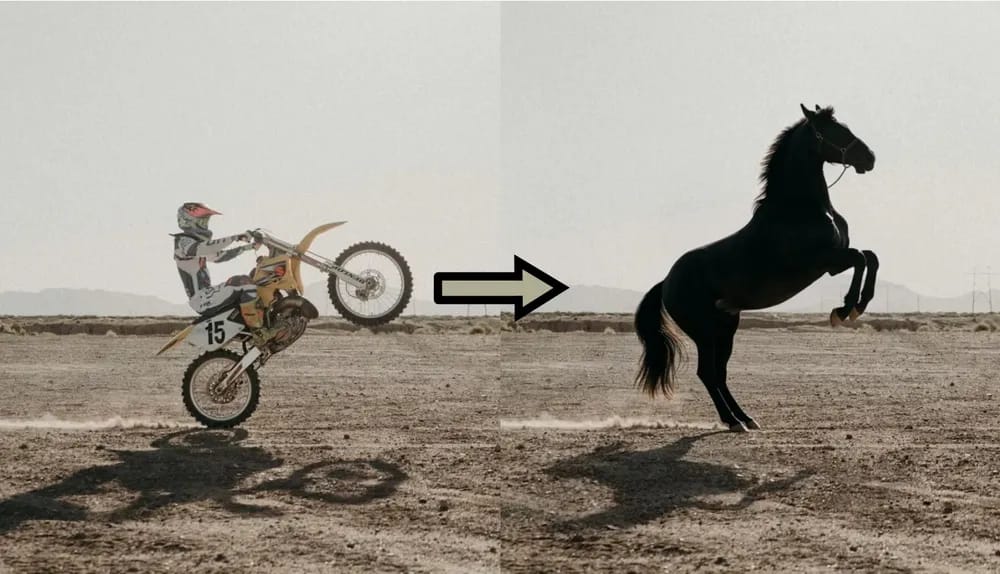
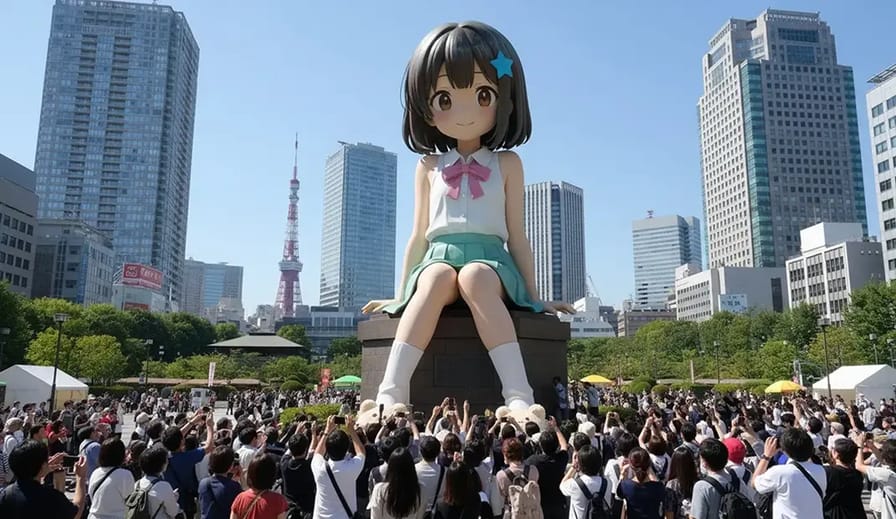
What is Face Swap AI?
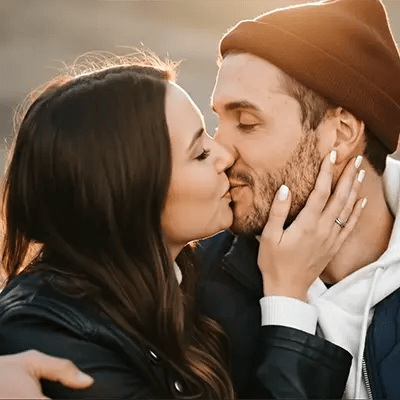
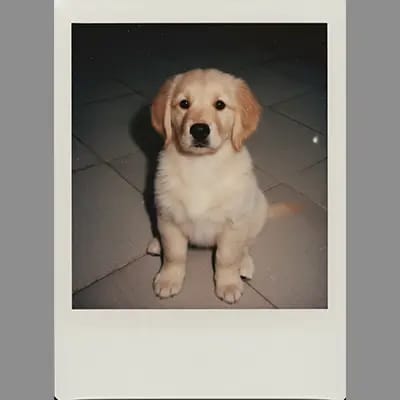
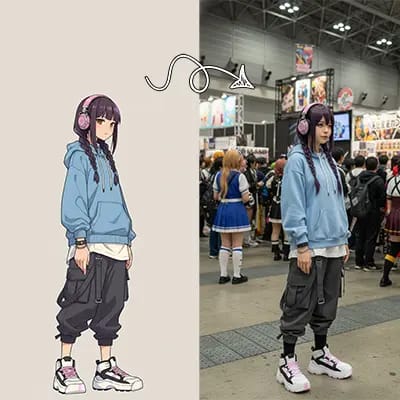
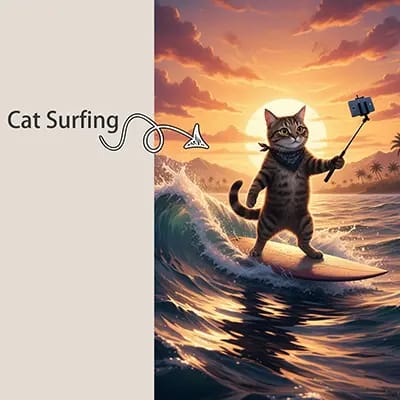
Face Swap AI is an AI face swap tool that takes two photos — one body or base image and one face image — and combines them into a single, realistic-looking picture. Instead of learning complicated Photoshop tricks, you just upload your images and let the AI face swap engine handle lighting, angles, and blending so the new face looks like it belongs in the scene. Perfect for trying outfits, characters, or fun concepts without a full photoshoot.
How to Use Face Swap AI
Three quick steps, takes like 30 seconds:
Why Use Our Face Swap AI?
Honestly, our Face Swap AI tool just works better than most alternatives. Here's why:
Who Can Use Face Swap AI
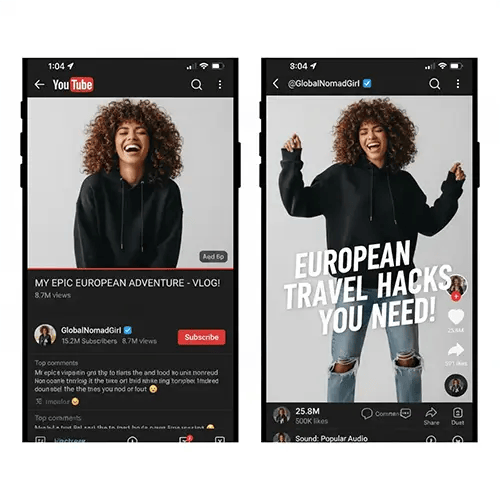
Tiktok, YouTube, Instagram, Facebook influencers: use Face Swap AI to turn one photoshoot into tons of AI face swap variations. Try different outfits, locations, or concepts without booking new shoots every time. Great for keeping your feed fresh on a tight schedule.
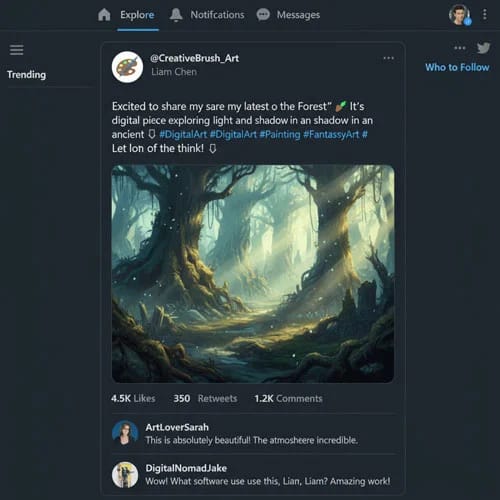
Speed up your workflow for YouTube thumbnails, Twitch panels, or social memes with our Face Swap AI generator. Drop your face onto different scenes or characters, generate a few options, and pick the one that grabs attention the most.
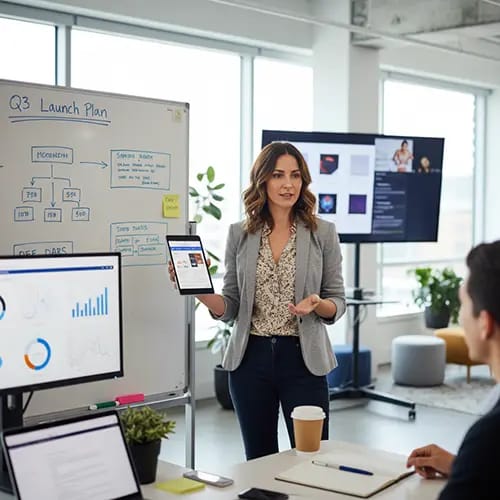
Quickly mock up concepts for campaigns by trying different faces or models in the same scene using Face Swap AI. Great for internal reviews, storyboards, or social tests before committing to a full photoshoot.
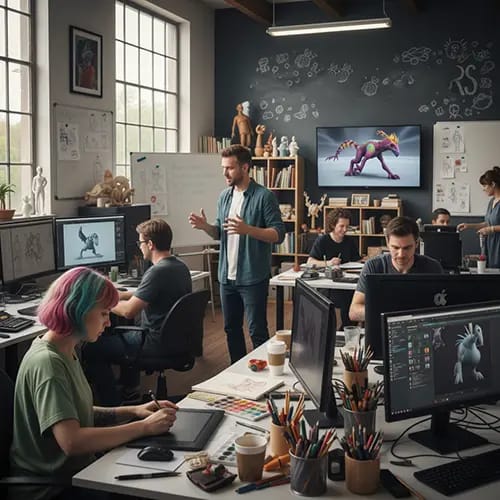
Use Face Swap AI to test different faces on the same pose or costume, explore character variations with AI face swap, or make quick photobash references. It’s a handy way to get rough ideas before you commit to detailed artwork or animation.
Common Questions About Face Swap AI
Stuff people usually ask:
Do I need two photos for Face Swap AI?
For the best results, yes. Our AI face swap generator works with one body or base image and one face image. The body photo sets the pose and scene, and the face photo is what we swap in using Face Swap AI. You can reuse the same face across many different body photos.
What kind of images work best?
Clear, well-lit photos with good resolution work best for AI face swap and Face Swap AI image generation. Use faces that aren’t heavily covered by hair, masks, or big glasses. Matching angles and similar lighting between your body and face photos usually gives the most natural-looking swaps.
Can I use celebrity or other people's faces?
It depends on your local laws, platform rules, and how you plan to use the images. You are responsible for making sure your face swaps respect privacy, consent, and any applicable guidelines. When in doubt, use your own photos or images you have the rights and permission to use.
Is Face Swap AI safe to use?
Face Swap AI is meant for creative, responsible use only. Please avoid harmful, misleading, or abusive content when using any AI face swap generator. For details on how your data is handled, stored, or retained, check the official Seedance AI privacy policy and terms of use.
What if the results don't look natural?
Try using clearer photos, matching the face and body angles more closely, or picking images with similar lighting. You can also test a few different source photos — sometimes a small change in pose makes a big difference for the final AI face swap result from Face Swap AI.
What file formats work?
JPEG, PNG, and WEBP. Max 24MB and 4096x4096 pixels. Output is high quality and works for pretty much anything — web, social media, print, whatever.
Can I use these images for commercial stuff?
With paid plans, yes — you get commercial rights to your Face Swap AI creations. Free tier might have some restrictions. Check your plan details and the Seedance AI terms to be sure before using AI face swap images in ads or other commercial projects.
How long does it take and is there a limit?
Usually it only takes a few seconds to generate a face swap with our Face Swap AI, though more complex or high-resolution images can take a bit longer. Free users get a monthly allocation to try the AI face swap generator. Paid plans have higher limits, and you can buy more credits if you need them — just check your dashboard for your current usage.
Give Face Swap AI a Try
It’s free to start. Upload a body photo and a face photo and see what you can create.