Upload reference images to guide the generation process
Supports JPG, PNG, WebP formats, max 10MB
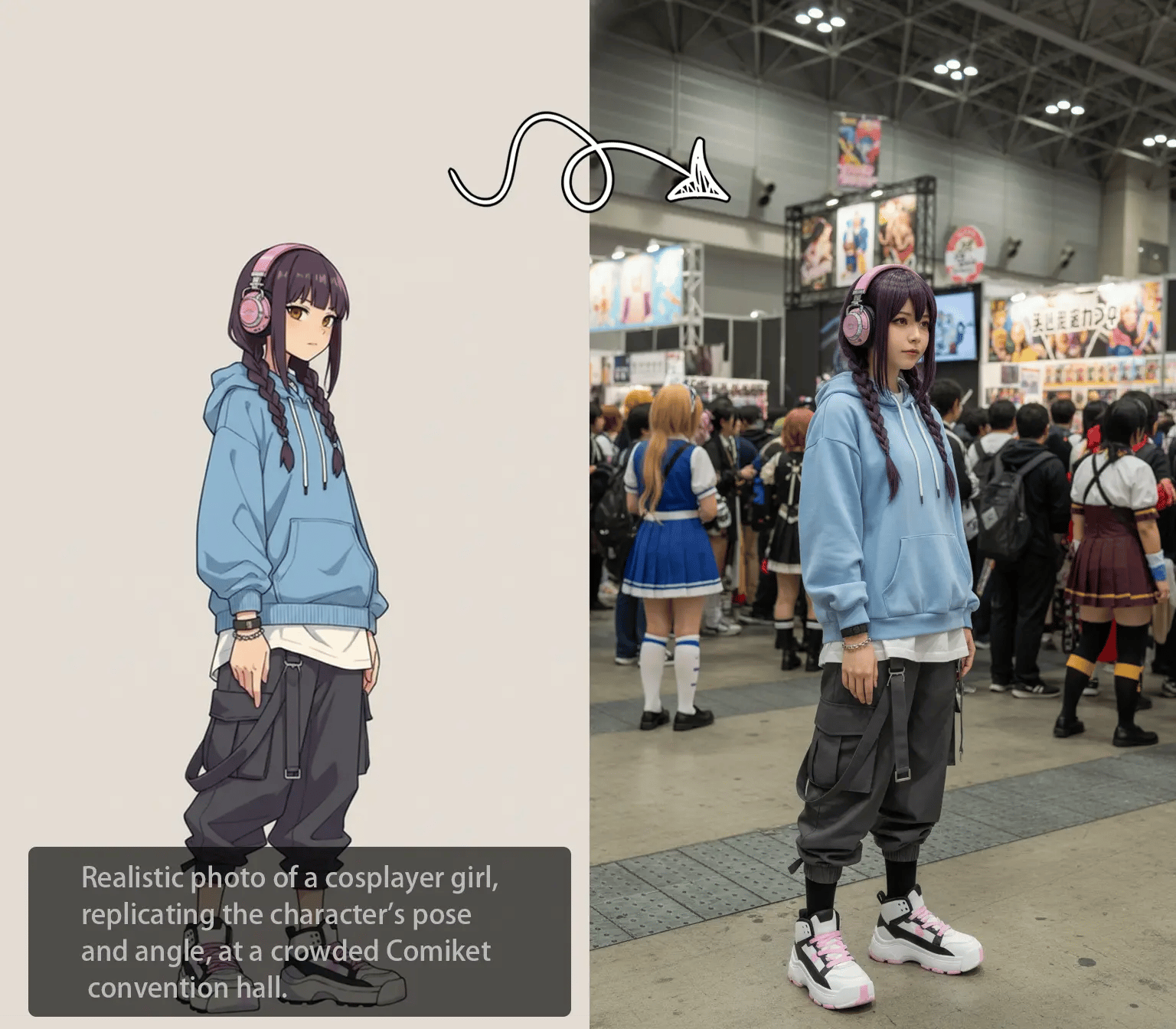
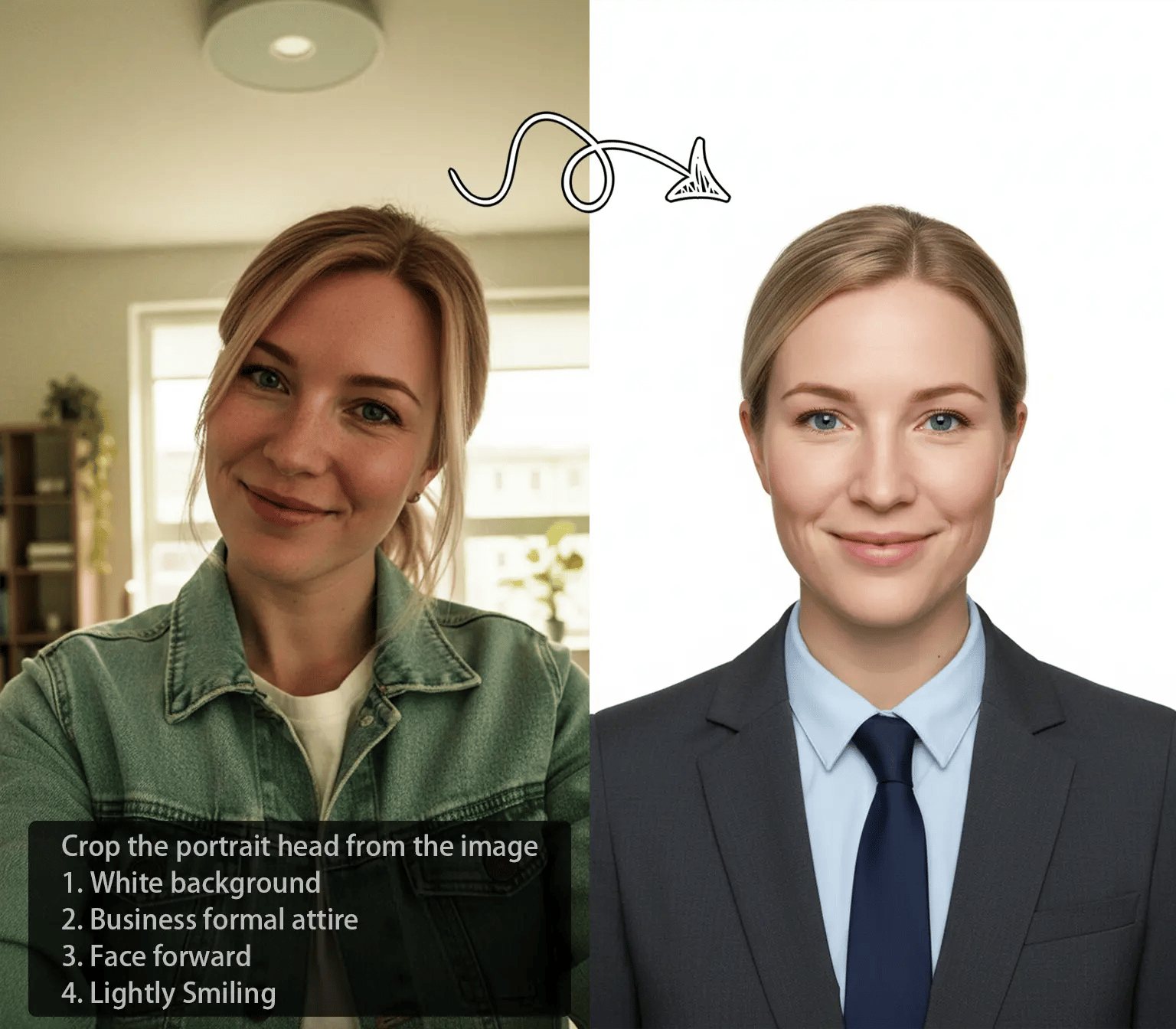
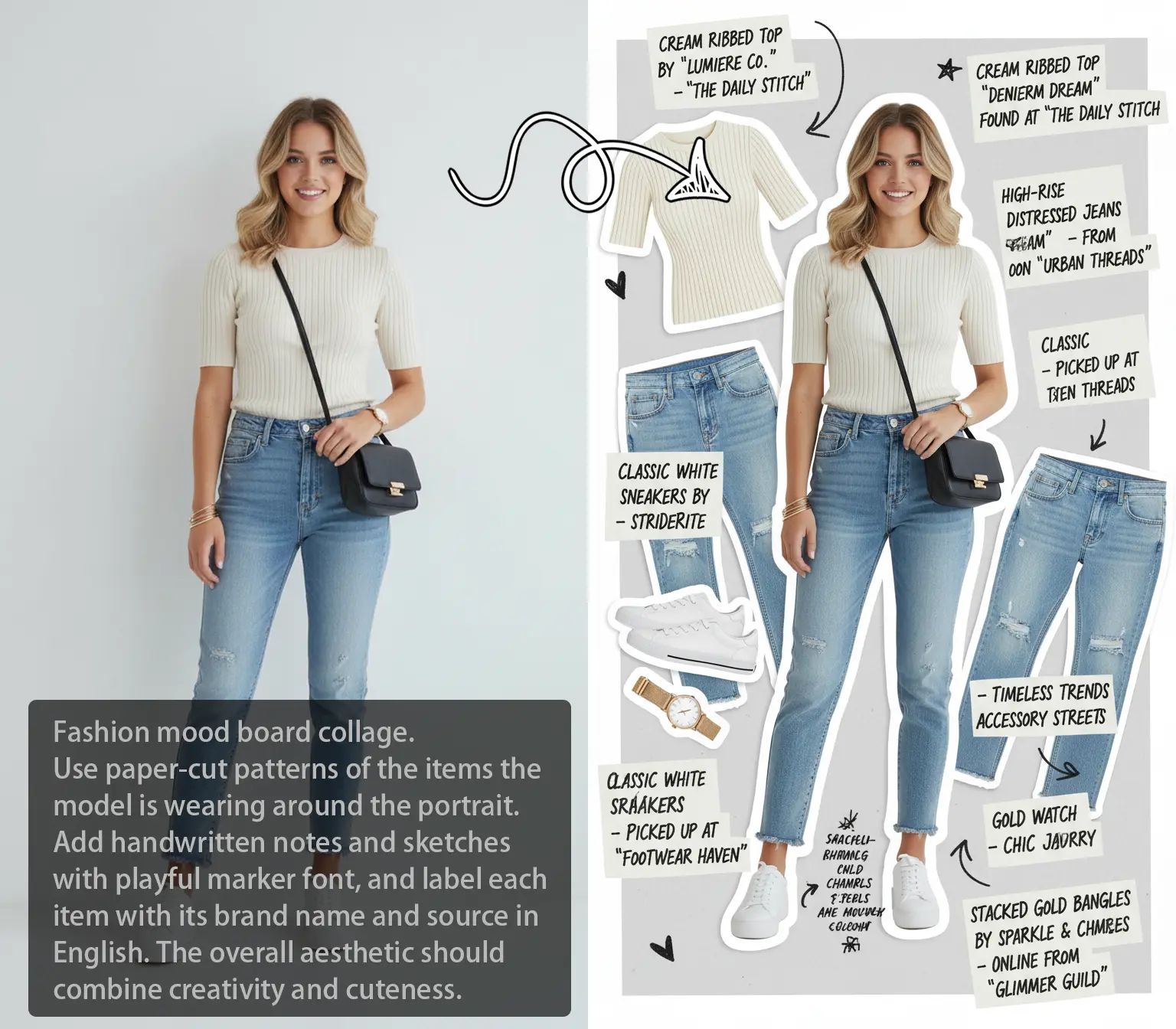
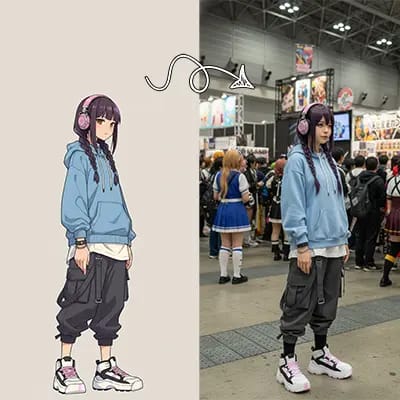
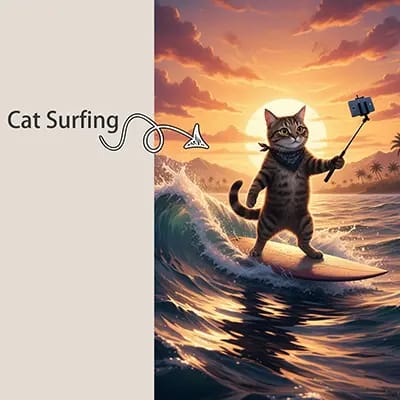
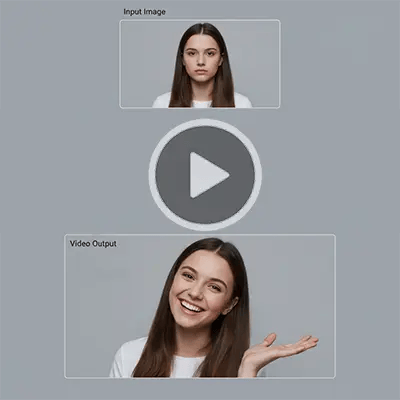
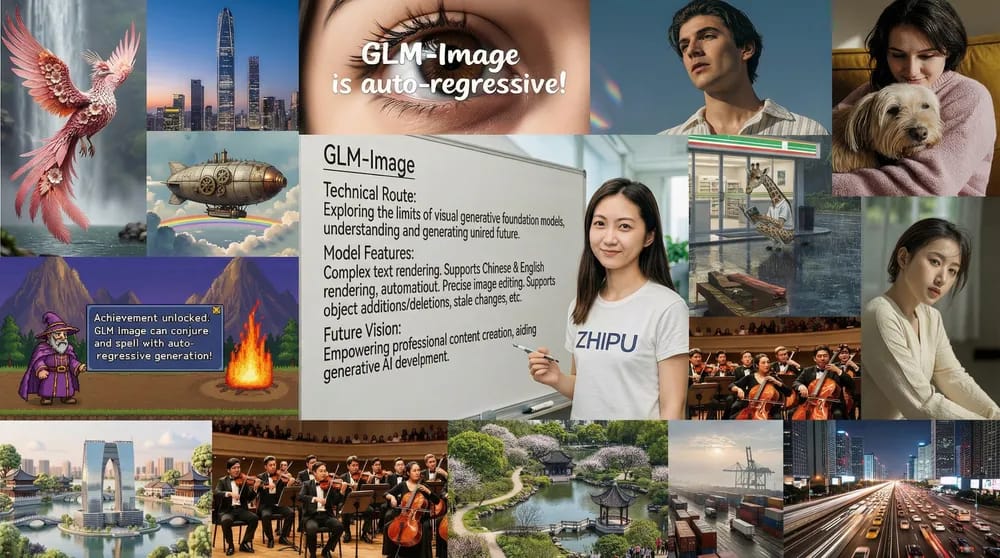
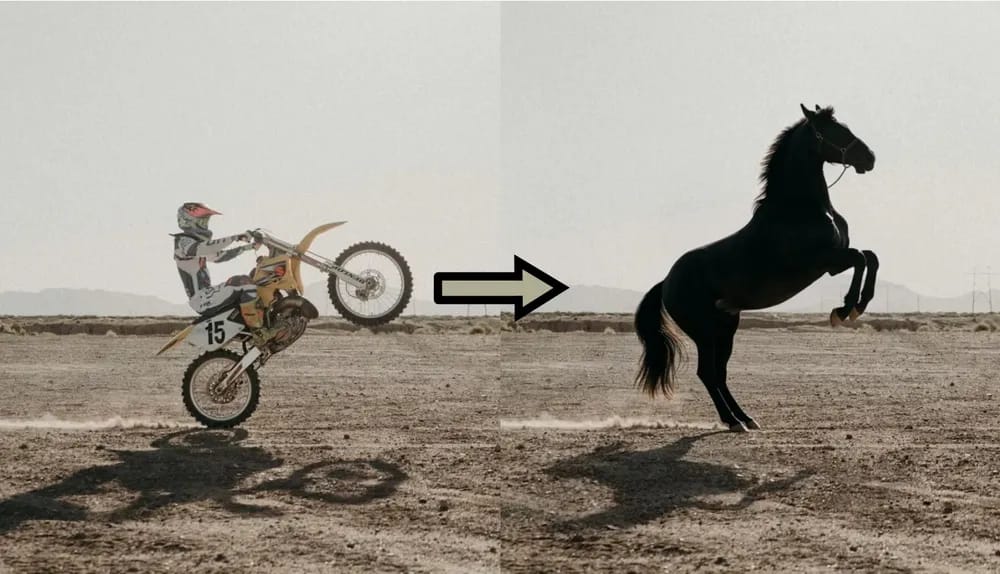
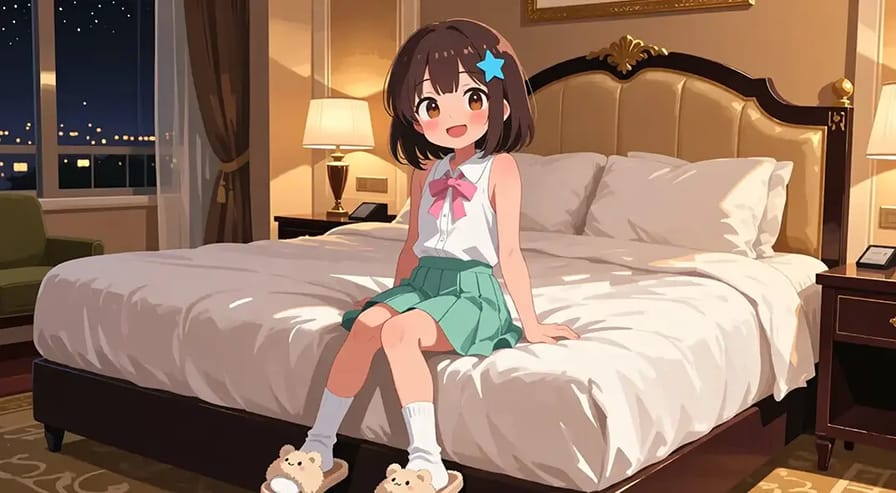
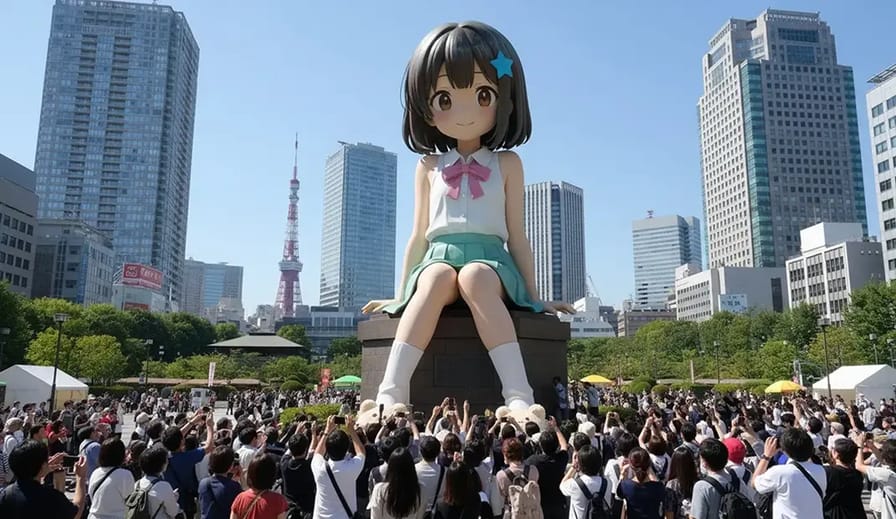
What is IMAGE TO IMAGE AI?
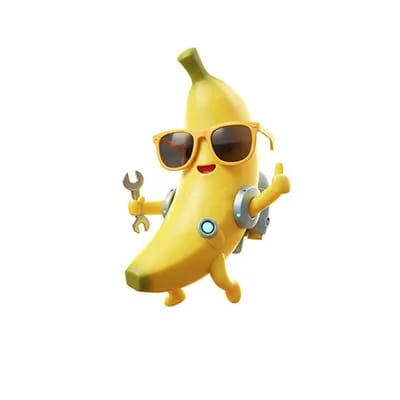
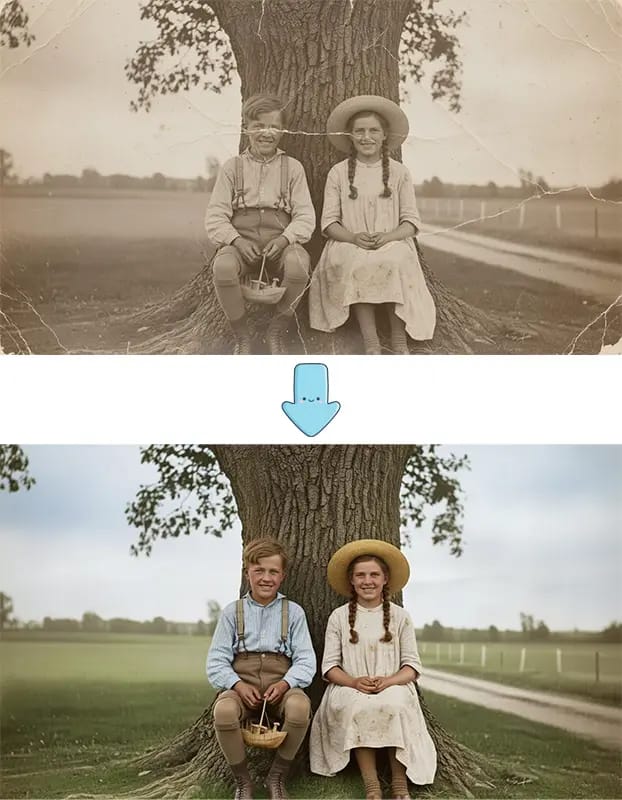
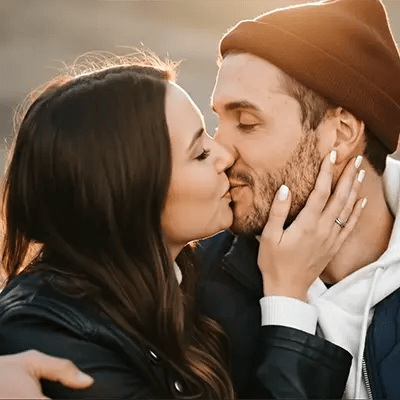
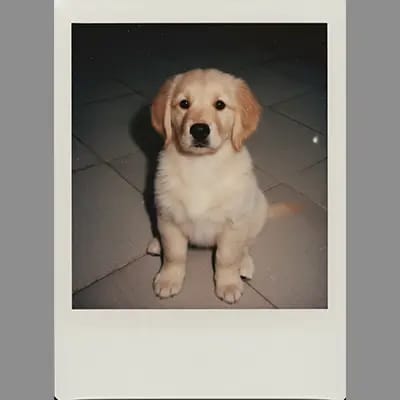
It's basically AI that takes your existing photo and transforms it based on what you tell it. Unlike text-to-image where you start from nothing, image to image keeps your original image structure and just modifies it. So if you have a photo of your dog and want it to look like a painting, or change the background, or make it cyberpunk - the image to image AI understands what's in your image and transforms it while keeping the important stuff intact. Pretty useful when you have a base image you like but want to experiment with different styles or modifications.
How to Use IMAGE TO IMAGE AI
Three steps, takes like 30 seconds:
Why Use Out IMAGE TO IMAGE AI?
Honestly, our image to image tool just works better than most alternatives. Here's why:
Who Could Uses IMAGE TO IMAGE AI
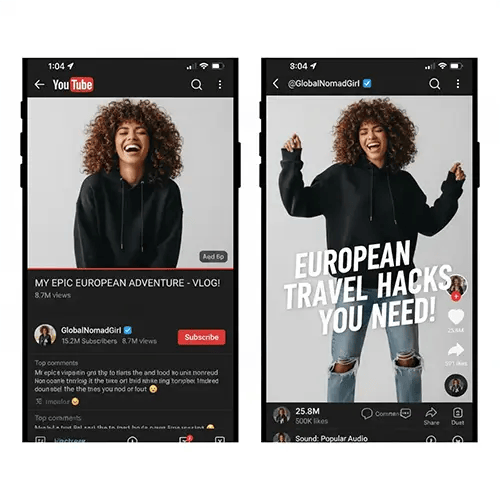
Tiktok, Youtube, Instragram, Facebook influencers check this out: Transform your photos into different styles for your feed. One photoshoot can become dozens of unique posts. Great for keeping your content fresh without constant new shoots.
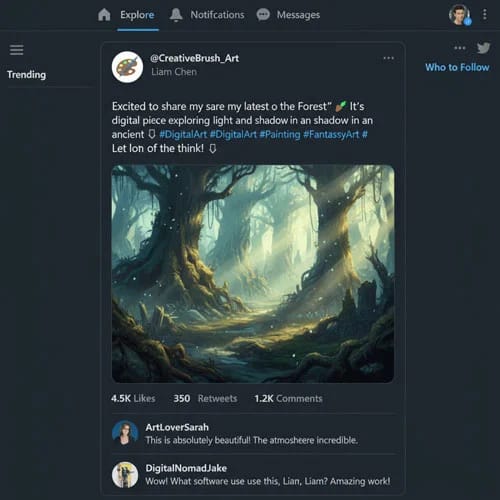
Stop spending hours in Photoshop. Generate variations of your images in seconds. Perfect for YouTube thumbnails, blog posts, or social media content when you need visuals quickly.
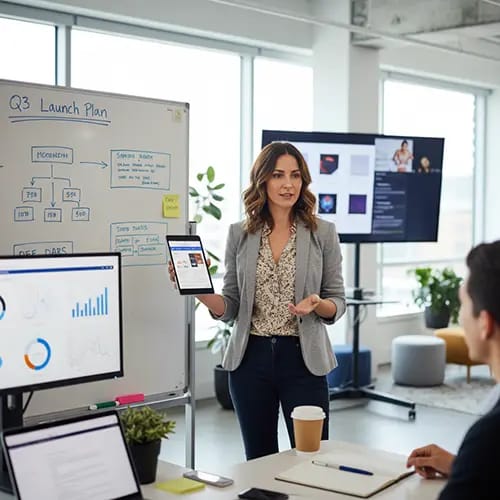
Take basic product shots and transform them into eye-catching visuals. Change backgrounds, lighting, or style to match your brand. No need for expensive photo shoots for every variation.
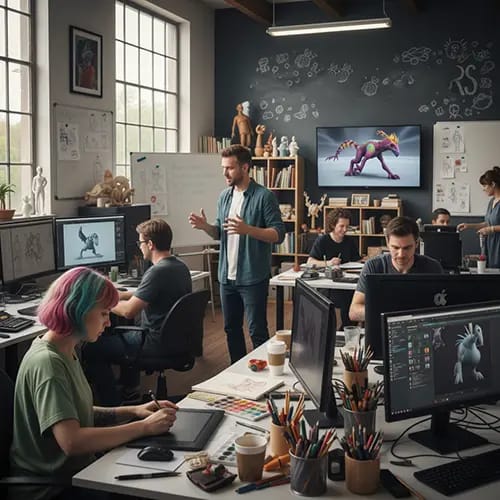
Test different art styles on your sketches or paintings. See how your character would look in anime, 3D, or other styles before committing to the full render. Saves a ton of time.
Common Questions About IMAGE TO IMAGE AI
Stuff people usually ask:
What's the difference between text to image and image to image?
Text to image creates images from nothing based on your description, while image to image starts with your existing photo and modifies it. So if you already have an image you like and just want to change the style or some elements, image to image AI is what you want. It keeps the original structure and composition.
What kind of images work best?
Clear, well-lit photos with good resolution work best for image to image transformation. Portraits, landscapes, product shots, buildings - pretty much anything works. Just avoid super blurry or low-res images. The AI needs to be able to see what's in the image to transform it properly.
Can I control how much it changes?
Yeah, you can adjust the transformation strength. Higher strength = more dramatic changes. Lower = stays closer to the original. You can also be specific in your prompt about what to keep and what to change. Generate a few variations to see what works.
What file formats work?
JPEG, PNG, and WEBP. Max 24MB and 4096x4096 pixels. Output is high quality and works for pretty much anything - web, social media, print, whatever.
Can I use these images for commercial stuff?
With paid plans, yes - you get commercial rights. Free tier might have some restrictions. Check your plan details to be sure.
What if the results aren't what I wanted?
Try being more specific in your prompt. Or adjust the transformation strength. You can also generate multiple versions to see different interpretations. If you're stuck, the support team can help with prompt tips.
How long does it take?
Usually a few seconds. More complex transformations or higher resolutions might take up to a minute. You can run multiple at once if you want to try different options.
Is there a limit?
Free users get a monthly allocation to try it out. Paid plans have higher limits, and you can buy more credits if you need them. Check your dashboard to see your current usage.
Give It a Try
It's free to start. See what you can create.